K12First Resource Center
Practical guidance for
real school technology.
Plan a digital signage rollout, strengthen Google Workspace, respond to suspicious email, or evaluate a new product with clear, school-focused guidance.
Start here
Four complete field guides.
Use these guides to plan, evaluate, and implement the work that matters most.

Google Workspace email security for schools
Build a defensible baseline around the controls Google already provides, then identify where your district needs more inspection, explanation, and response capacity.
Read the guide
Digital signage for schools
A practical planning framework for turning school screens into a reliable communication channel without creating another full-time job.
Read the guide
K–12 email security buyer’s guide
Translate a long vendor feature list into the protections, evidence, workflows, and commercial terms a school district can actually operate.
Read the guide
A 30-day school signage rollout
Move from an approved project to a supportable first launch in four focused weeks, with clear owners and acceptance checks at every step.
Read the guide
Cast resources
School digital signage
Move from a useful idea to a supportable district communication channel.
Digital signage for schools
A practical planning framework for turning school screens into a reliable communication channel without creating another full-time job.
Read the guide
A 30-day school signage rollout
Move from an approved project to a supportable first launch in four focused weeks, with clear owners and acceptance checks at every step.
Read the guide
25 digital signage ideas for K–12
A practical idea library organized around the school day, with ownership and expiration prompts that keep screens useful.
Read the guide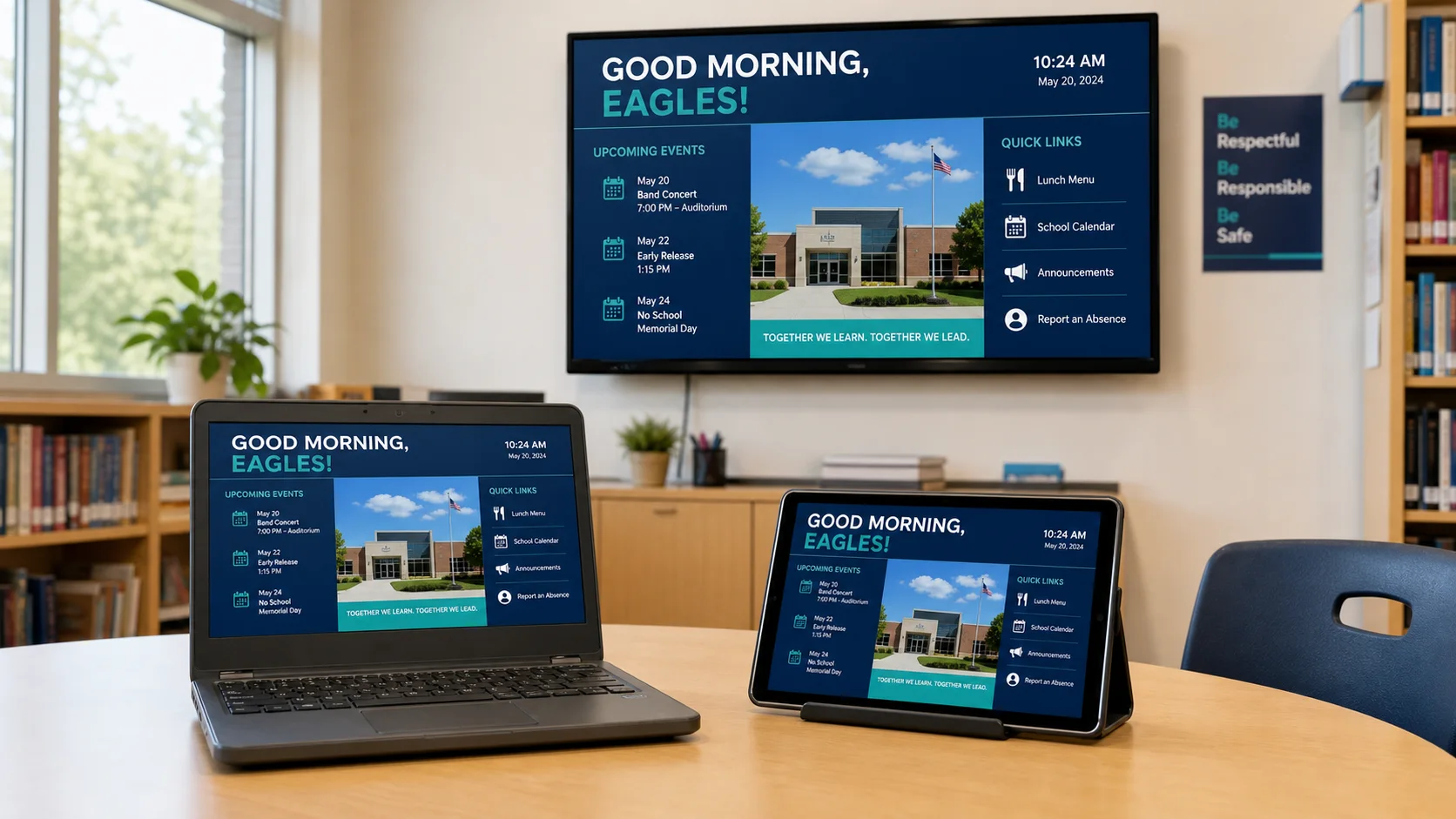
School signage hardware checklist
A field-ready checklist for deciding what the district can reuse, what it should standardize, and what each installation needs to operate reliably.
Read the guide
Guard resources
K–12 email security
Strengthen the baseline, evaluate the layers, and prepare a reviewed response.
Google Workspace email security for schools
Build a defensible baseline around the controls Google already provides, then identify where your district needs more inspection, explanation, and response capacity.
Read the guide
K–12 email security buyer’s guide
Translate a long vendor feature list into the protections, evidence, workflows, and commercial terms a school district can actually operate.
Read the guide
K–12 phishing response playbook
Give the help desk, technology team, communications office, and leadership a shared sequence for confirming, containing, investigating, and recovering from email incidents.
Read the guide
SPF, DKIM, and DMARC for schools
Learn how the three authentication standards work together, why a green DNS check is not enough, and how to move toward enforcement without surprising legitimate school senders.
Read the guide
Compromised Google Workspace account
Contain access quickly while preserving the evidence needed to understand mail, identity, OAuth, forwarding, delegation, and recovery changes.
Read the guide
Email security vendor evaluation checklist
Use the same scenarios and evidence requirements for every vendor so the district can compare operational fit instead of presentation quality.
Read the guideHow we publish
Written to help a district make a decision.
Each resource is grounded in school operations, reviewed against current product boundaries, and connected to primary guidance where it matters.
Checklists, operating steps, ownership, and acceptance evidence.
Clear capability boundaries and direct links to authoritative sources.
Visible review dates and updates when products or guidance change.
Talk with K12First
Bring us the school technology question.
Explore a guide today, then talk with a team that understands the operating reality behind it.