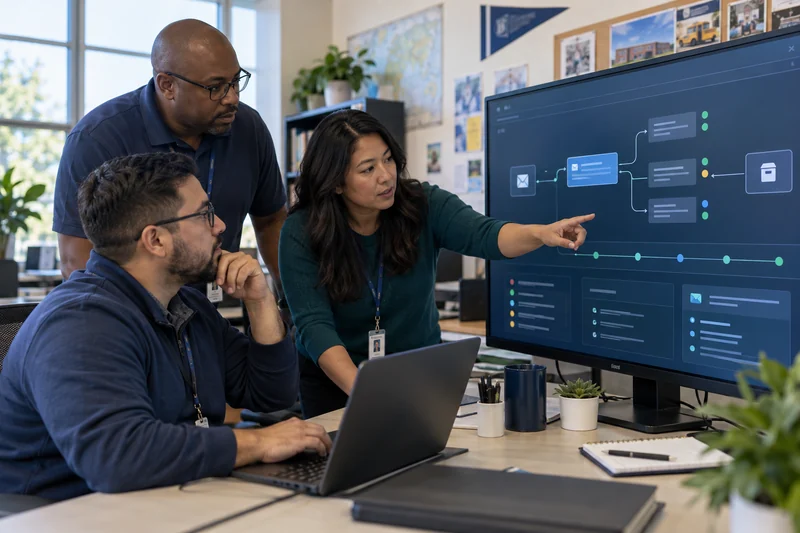
K–12 Phishing and Impersonation Response Playbook
Give the help desk, technology team, communications office, and leadership a shared sequence for confirming, containing, investigating, and recovering from email incidents.
What this guide helps you do
Leave with a workable next step.
- Preserve evidence before changing the message or account.
- Use a separate trusted channel to verify sensitive requests.
- Contain the account, message campaign, and business process as distinct workstreams.
First 15 minutes: confirm and triage
- 1Record the report
Capture reporter, time, sender, recipient, subject, message ID, links, attachments, and actions already taken. Do not ask users to forward a live malicious attachment.
- 2Verify out of band
Call a known number or use an established channel for payment, payroll, password, or leadership requests.
- 3Classify the event
Suspicious message, confirmed malicious message, credential entry, malware execution, compromised account, or financial transaction.
Contain the right scope
Suspend or reset a compromised account according to district procedure, revoke sessions and risky tokens, inspect forwarding and delegation, identify related messages and recipients, and contact finance or the bank immediately when money may be moving. Avoid deleting evidence before identifiers and timestamps are preserved.
Build the incident timeline
- Initial delivery, report, click, credential entry, sign-in, and containment times
- Authentication results, sending path, reply domain, URLs, redirects, files, and QR destinations
- Other recipients, similar subjects, common links, same sender infrastructure, and internal forwarding
- Login, OAuth, mailbox rule, delegation, recovery, and admin activity around the event
- Provider-side removals, quarantines, releases, and their results
Communicate with useful precision
Tell affected people what happened, the exact action they should take, where to report, and which trusted channel the district will use for updates. Avoid repeating live malicious links or attachments. Coordinate family, staff, legal, insurance, law-enforcement, and regulatory communication through district policy.
Message pattern: “A message with the subject [subject] sent around [time] is under investigation. Do not open its link or attachment. If you entered credentials, call [known number] now.”
Recover and learn
- Restore access only after credentials, sessions, recovery methods, tokens, rules, and devices are reviewed
- Confirm related malicious messages are contained or clearly communicated
- Validate payroll, vendor, and finance records through known contacts
- Record root cause, detection gap, response timing, and owner for every improvement
- Turn the incident into a safe staff lesson without identifying affected individuals unnecessarily
Connect related reports and messages

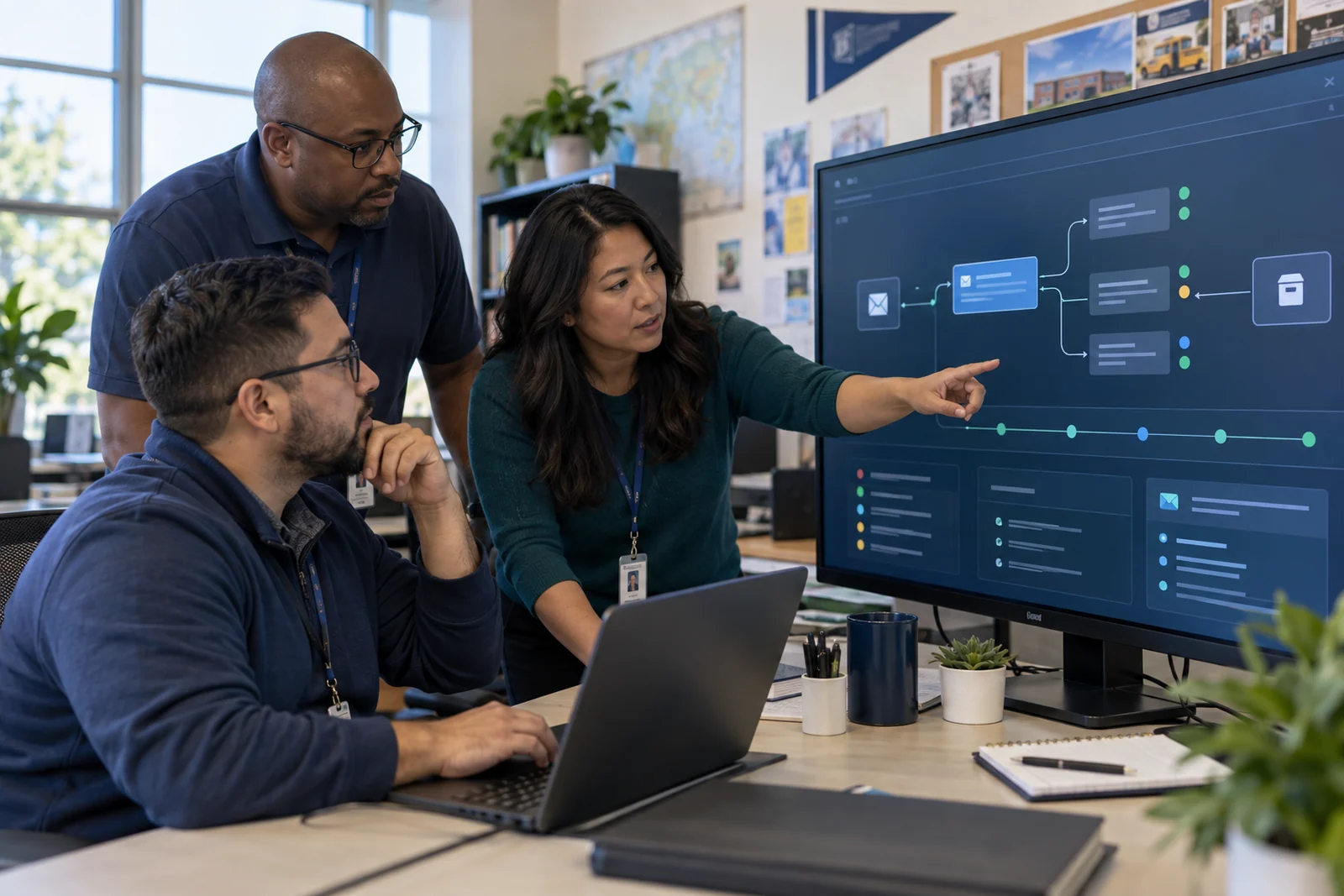
Explain message risk, hold suspicious mail, connect related reports and campaigns, and retain investigation evidence in one district workflow.
Sources and further reading
Primary guidance and related K12First material used to review this resource.
This resource provides general operational guidance. Apply changes through your district’s authorized security, privacy, legal, and change-management processes.