Digital Signage for Schools: The Complete K–12 Planning Guide
A practical planning framework for turning school screens into a reliable communication channel without creating another full-time job.
What this guide helps you do
Leave with a workable next step.
- Plan each screen around an audience and a decision, not an empty wall.
- Reuse compatible equipment when it can be supported consistently.
- Define content ownership, approvals, accessibility, and alert authority before launch.
Give every screen a job
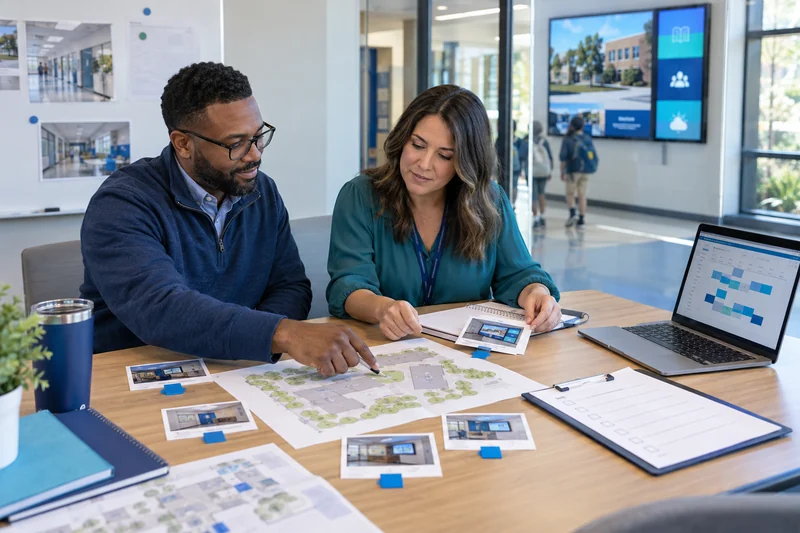
Begin with the people who will see the screen, how long they can look, and what they should understand or do next. A lobby visitor, cafeteria student, classroom teacher, and after-hours athletics guest need different information.
| Location | Primary audience | Useful content | Typical dwell time |
|---|---|---|---|
| Front office | Families and visitors | Welcome, directions, events, check-in guidance | 1–5 minutes |
| Hallway | Students and staff | Announcements, recognition, schedule changes | 5–20 seconds |
| Cafeteria | Students | Menus, activities, expectations, celebrations | 5–20 minutes |
| District office | Staff and community | Meetings, metrics, notices, wayfinding | 1–10 minutes |
Choose supportable hardware, including what you own
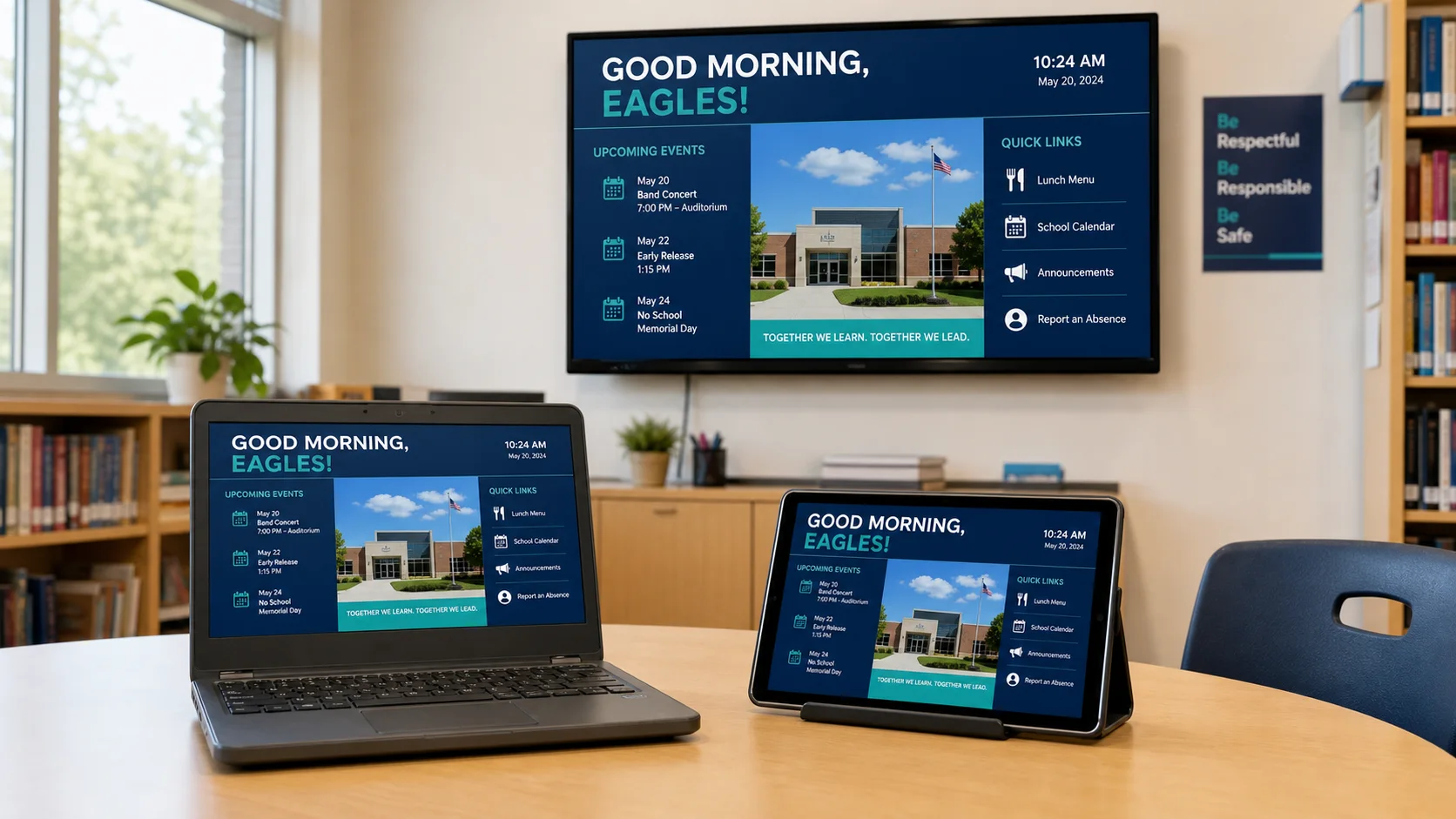
A screen needs a reliable display, a capable player, network access, power, a safe mount, and a support owner. Existing smart TVs, Android devices, Chromebooks, or small computers can lower first-year cost when they meet the browser, video, network, and remote-management requirements.
platformDisplayPlayerNetworkMountPowerSupport
Standardize the support model: record the device, operating system, browser, network identity, physical location, power behavior, warranty, and person responsible for each player.
Build a content operating rhythm
The platform does not create a communication program by itself. Decide who may create, approve, schedule, interrupt, and retire content at the district and building levels. Use templates for recurring work and expiration dates so old announcements do not linger.
- 1District
Brand standards, emergency authority, shared templates, system ownership, and district-wide campaigns.
- 2Building
Daily announcements, events, menus, recognition, local schedules, and delegated approvals.
- 3Contributor
Clubs, athletics, libraries, counselors, and classrooms contribute inside clear boundaries.
Design for the hallway, not the desktop
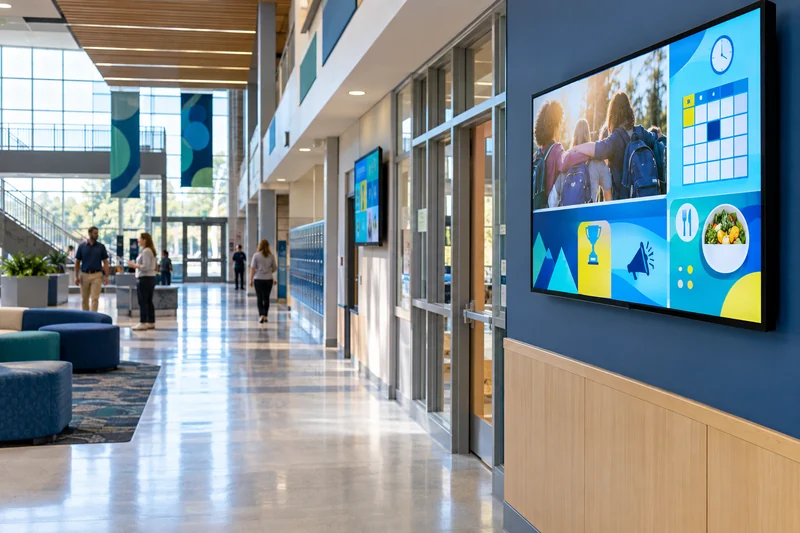
Use large type, short messages, strong contrast, plain language, and enough display time to read the message. Avoid putting essential meaning in color alone. Captions belong on video. QR codes need a short destination label and a second accessible route for people who cannot scan them.
Put emergency communication inside the larger plan
Define who can initiate an alert, the geographic scope they may choose, what template is approved, how the alert is confirmed, and how normal programming returns. Test with staff before a live event and retain an activity record.
Operational boundary: digital signage should support the district’s emergency communication plan. It should not be treated as the only warning channel or represented as a certified life-safety system unless the complete implementation has been evaluated and approved for that purpose.
Budget for the whole lifecycle
Compare software, displays, players, mounts, cabling, installation, content labor, training, replacements, and support. A lower-cost device can become expensive if it requires frequent visits. A higher-cost platform can also be wasteful if it forces proprietary hardware where compatible equipment is already available.
Record a three-to-five-year total cost and a replacement assumption. K12Cast offers per-display, building, and district pricing so schools can compare the model against the way they plan to grow.
Sources and further reading
Primary guidance and related K12First material used to review this resource.