Digital signage8 minute read
25 Digital Signage Content Ideas for K–12 Schools
A practical idea library organized around the school day, with ownership and expiration prompts that keep screens useful.
·
What this guide helps you do
Leave with a workable next step.
- Mix useful daily information with recognition and community stories.
- Assign every content type an owner and expiration rule.
- Design messages to be understood in a few seconds.
Make the school day easier
- 01Today’s bell schedule or rotation
- 02Breakfast and lunch menus with allergen-information destination
- 03Bus, pickup, and activity changes
- 04Library hours and featured resources
- 05Counseling, tutoring, and student-support availability
Celebrate students and staff
- 01Student work and project spotlights
- 02Arts, athletics, clubs, and competition results
- 03Attendance, growth, service, and kindness recognition
- 04Staff welcome and milestone stories
- 05Graduation, scholarship, and alumni highlights
Invite participation
- 01Event promotion and countdowns
- 02Club meetings and interest forms
- 03Performing-arts auditions and ticket information
- 04Volunteer and community-partner opportunities
- 05Simple polls with an accessible web alternative
Extend learning beyond the classroom
- 01Vocabulary, trivia, and “did you know?” prompts
- 02Career and technical education pathways
- 03College, military, and workforce deadlines
- 04Digital citizenship and cybersecurity reminders
- 05Seasonal health, weather, and preparedness guidance
Help people find their way
- 01Visitor welcome and check-in direction
- 02Meeting, conference, and room schedules
- 03Event parking and accessible-route information
- 04Live weather and closure status
- 05District goals, board notices, and public-meeting reminders
Turn ideas into a maintainable system
For each content type, record its audience, owner, approver, template, update frequency, maximum duration, and accessible alternative. Rotate fewer, stronger messages rather than filling every available second.

Build the rhythm in K12Cast
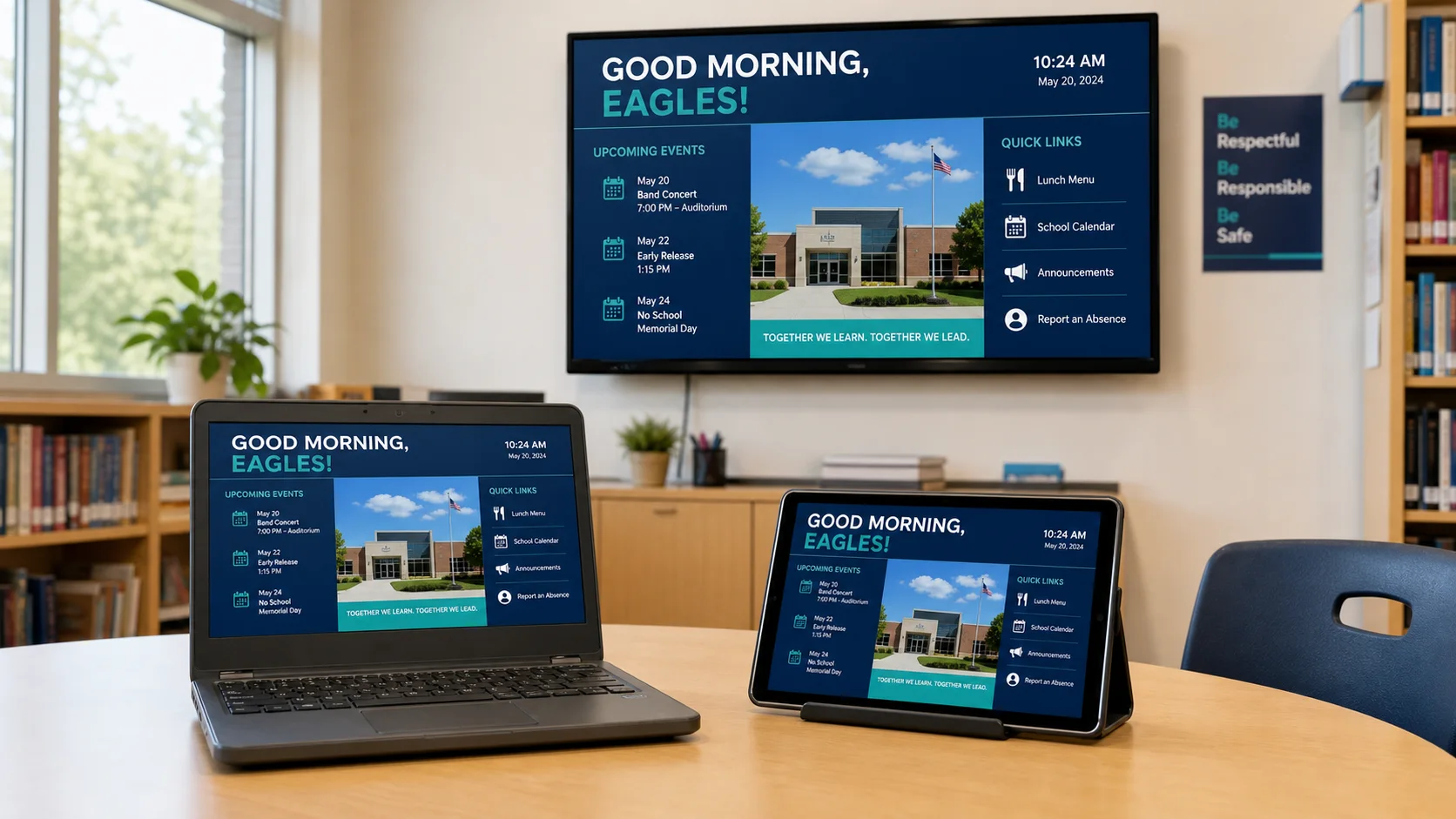
Explore Cast →Bring in Google Slides, Canva, uploaded media, live information, and scheduled layouts, then target the right building or display.
Sources and further reading
Primary guidance and related K12First material used to review this resource.