Implementation9 minute read
School Digital Signage Hardware Checklist
A field-ready checklist for deciding what the district can reuse, what it should standardize, and what each installation needs to operate reliably.
·
What this guide helps you do
Leave with a workable next step.
- Evaluate the complete installation, not only the television.
- Prefer a small supportable device standard over many one-off configurations.
- Test startup, browser playback, network recovery, and remote support before scale.
Display and placement
- Commercial or suitable consumer display has the expected daily duty cycle
- Size and brightness match viewing distance and ambient light
- Inputs, orientation, resolution, and overscan are compatible
- Mount is rated for the display and installed into an appropriate structure
- Controls, cables, and player are secured without blocking ventilation
- Placement preserves accessible paths and does not create glare or a head-height hazard
Player and browser
- Supported operating system and modern browser
- Smooth playback of representative video, images, web content, and layouts
- Automatic startup into the player after reboot
- Sleep, update, and power settings have a district-owned configuration
- Local storage is sufficient for updates and expected cached content
- Device can be identified, updated, restarted, and supported remotely
Network and security
- Documented wired or wireless connection and network segment
- DNS, time synchronization, HTTPS, filtering, and required service destinations work
- Credentials and enrollment codes are not left visible at the screen
- Bandwidth test uses representative peak content
- Player recovers after network and power interruption
- Asset inventory records location, serial number, network identity, owner, and replacement date
Installation acceptance
Reuse decision: keep existing equipment when it passes the same acceptance test as a new device and the district can support it consistently.
Avoid a forced hardware replacement

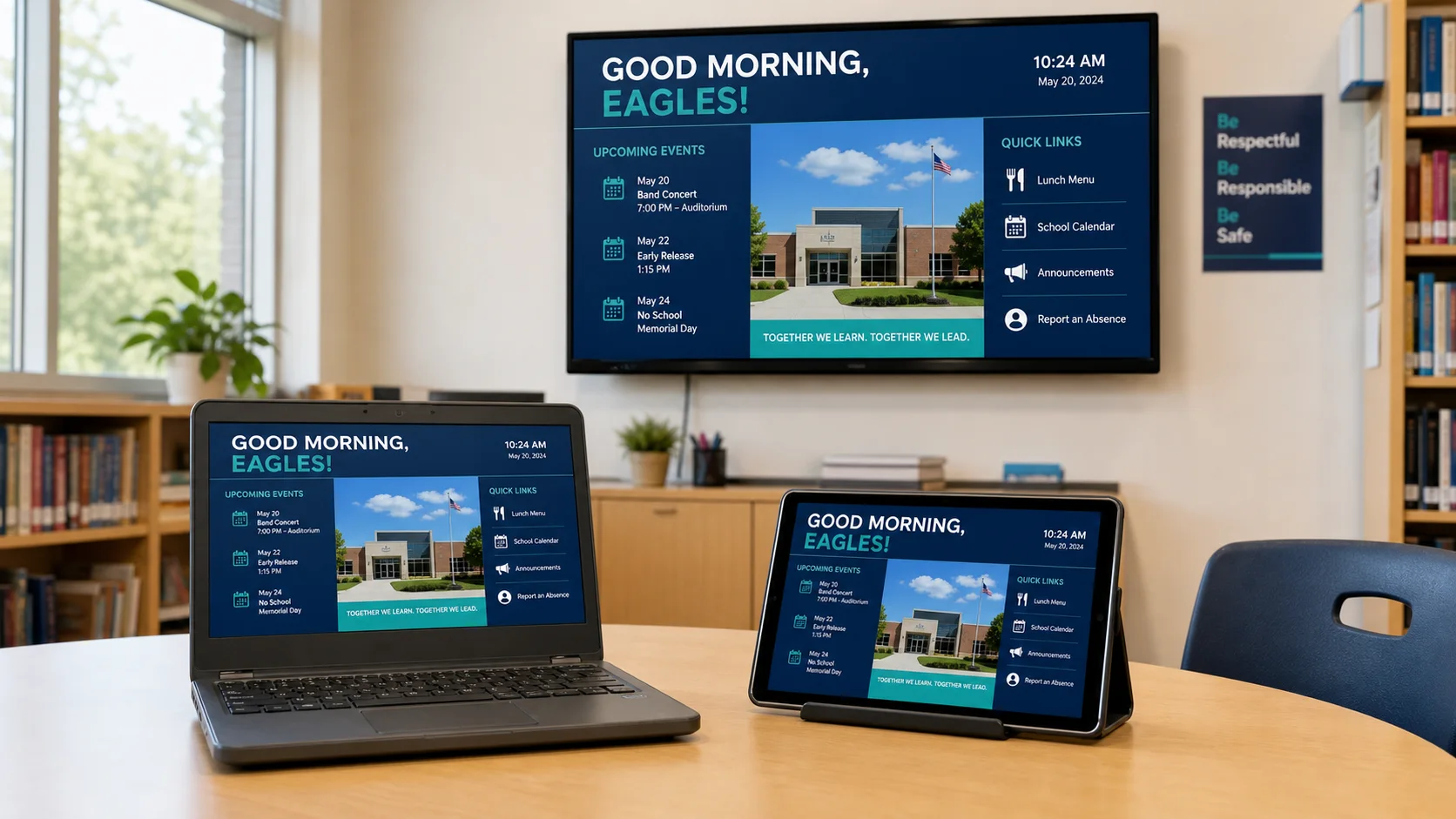
K12Cast uses a modern browser
Review receiver options →Compatible Chromebooks, Android devices, tablets, smart TVs, and other browser-capable equipment can become managed players.
Sources and further reading
Primary guidance and related K12First material used to review this resource.