K–12 Email Security Buyer’s Guide
Translate a long vendor feature list into the protections, evidence, workflows, and commercial terms a school district can actually operate.
What this guide helps you do
Leave with a workable next step.
- Evaluate the full path from detection through reviewed response.
- Use representative school messages and workflows during a controlled pilot.
- Compare total annual cost, student coverage, implementation, retention, and support.
Write the outcomes before reading proposals
Start with the district’s highest-consequence email events: payroll redirection, vendor payment changes, executive impersonation, credential theft, compromised staff accounts, malicious links, QR-code lures, weaponized documents, and campaigns that reach many users. Record who must understand and act on each event.
Evaluate layers, not a single score
Ask the vendor to show which layers are available for inbound, internal, and outbound mail. Require precise answers about file types, encrypted content, redirects, QR codes, and any analysis that is delayed or performed outside the initial mail decision.
Watch an investigation from beginning to end
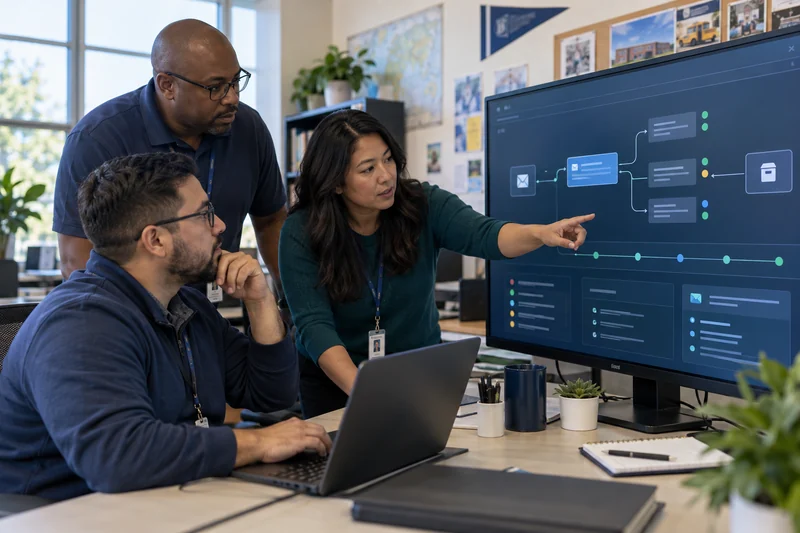
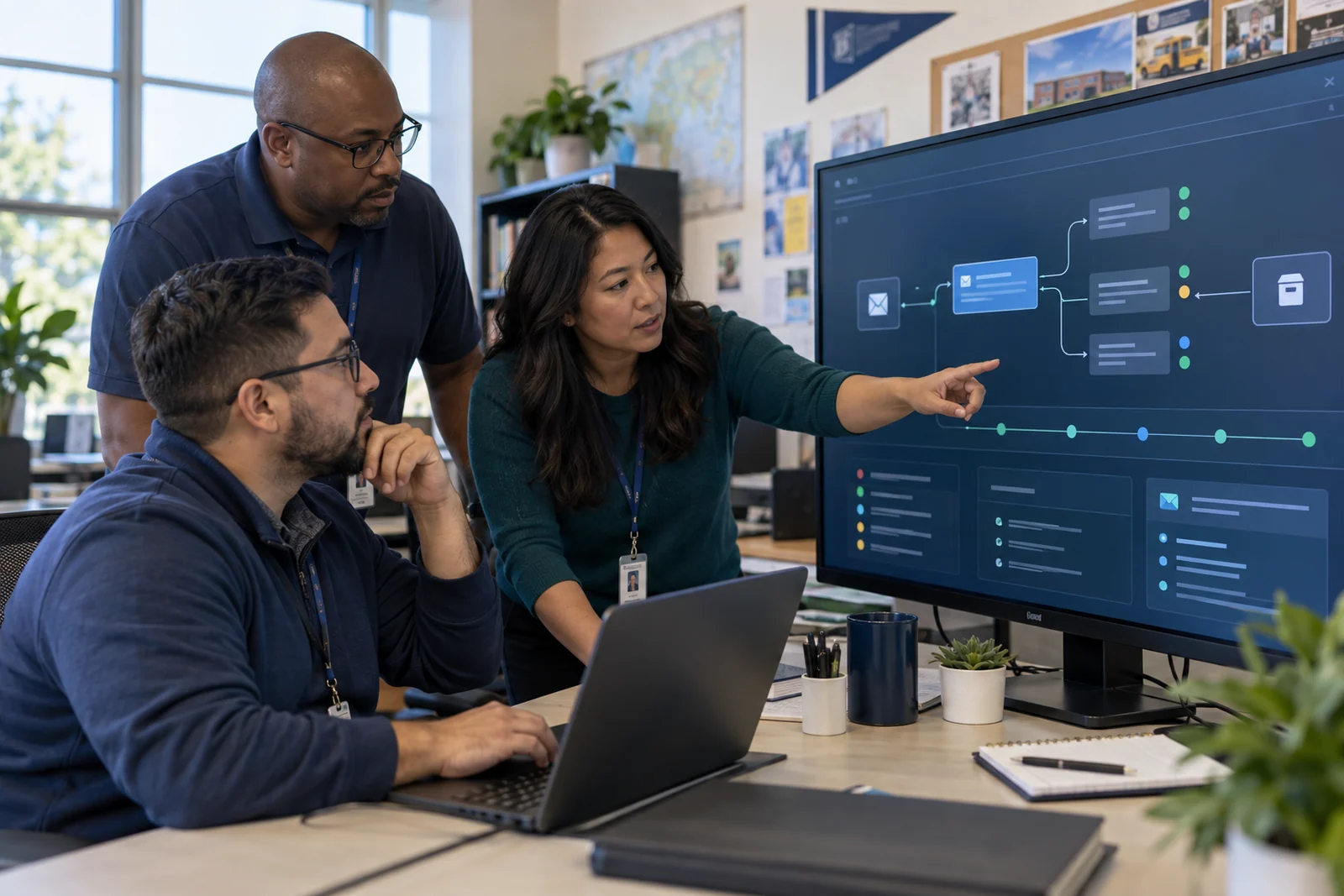
During a demonstration, begin with one suspicious message. Ask the vendor to explain the verdict, find related recipients and messages, preserve evidence, quarantine or release safely, record the reviewer, perform any provider-side action, and show the audit trail. A collection of separate screens may create more work during an incident.
- Can the analyst see why a message was held?
- Can the team find the same sender, subject, URL, file, or campaign elsewhere?
- Are releases and destructive actions protected by roles and confirmation?
- Can provider actions be reconciled and retried safely?
- Does the record show who decided, what changed, and whether it succeeded?
Test whether the service fits a school district
| School requirement | Questions to ask |
|---|---|
| Staff and students | Are both populations protected? Can policy and reporting reflect their different needs? |
| Lean team | Who monitors, investigates, and helps after hours? What training is included? |
| Public purchasing | Are pricing, renewal, implementation, data terms, and support boundaries explicit? |
| Privacy | What message data is retained, where, for how long, and who can access it? |
| School calendar | Can pilot and cutover avoid enrollment, payroll, testing, and opening-week risk? |
Run a controlled evaluation with acceptance criteria
Use a limited group that represents finance, leadership, IT, general staff, and a carefully selected student workflow when appropriate. Define mail-flow checks, false-positive review, detection scenarios, investigation tasks, response authority, rollback, and the evidence needed to approve expansion.
Compare the complete annual commitment
Normalize proposals using active staff mailboxes, active student mailboxes, shared accounts, groups, aliases, message volume, storage, retention, implementation, premium modules, support, and expected growth. Require written notice and approval before capacity changes become pricing changes.

$24 per active staff mailbox per year, active student mailboxes included within the agreed district scope, standard qualified Google Workspace implementation included, and a $6,000 annual minimum.
Sources and further reading
Primary guidance and related K12First material used to review this resource.
This resource provides general operational guidance. Apply changes through your district’s authorized security, privacy, legal, and change-management processes.